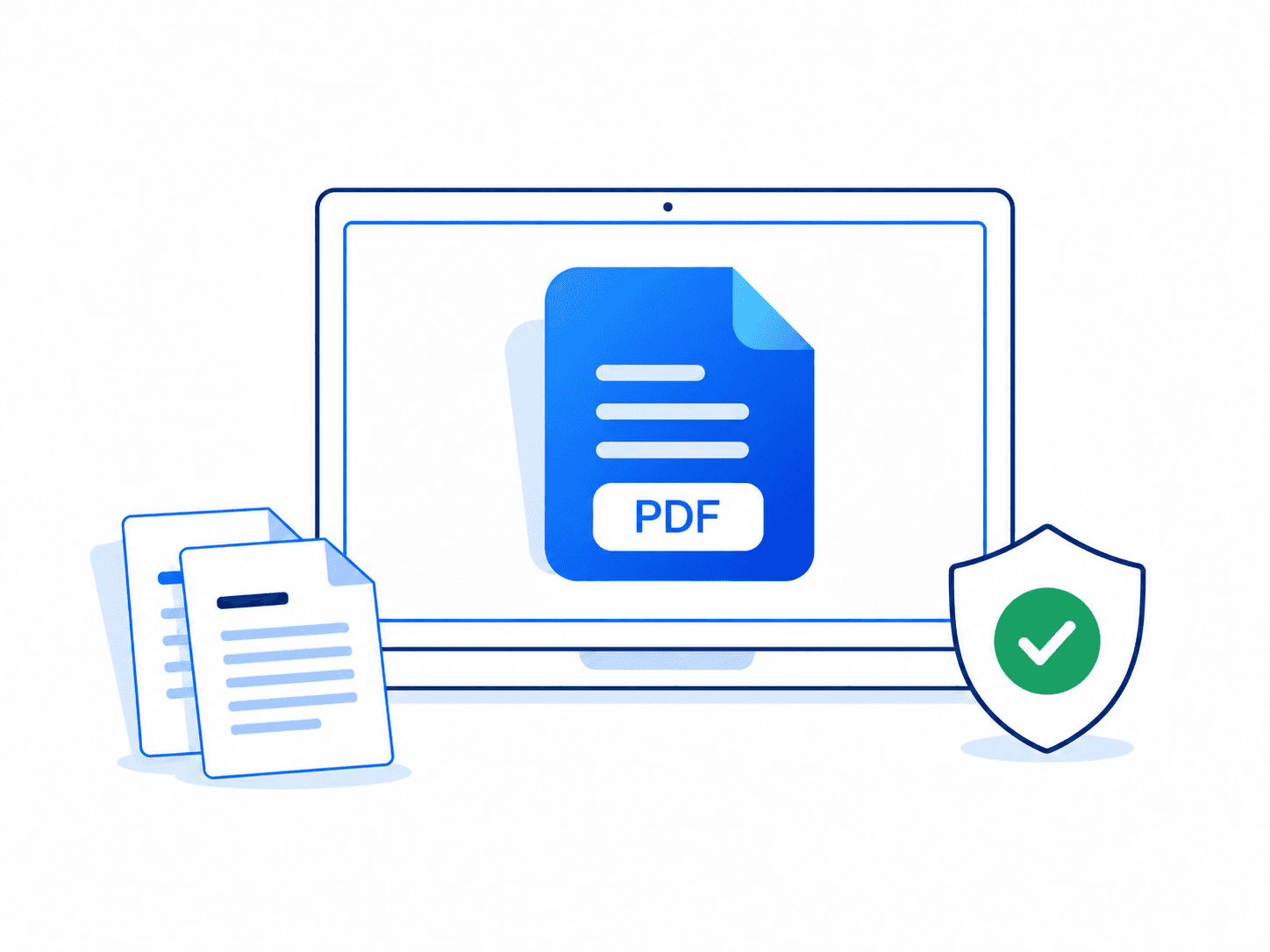
Prepare one complete submission
Merge the main document and attachments, correct page rotation, then add page numbers only after the sequence is final.
40 tools. One simple workspace.
Convert, merge, split, and compress documents in your browser. Built for the everyday PDF jobs that should take seconds—not setup.
PDF Creator toolkit
No installations, account gates, or complicated settings.
Files are processed locally in your browser and never uploaded to us.
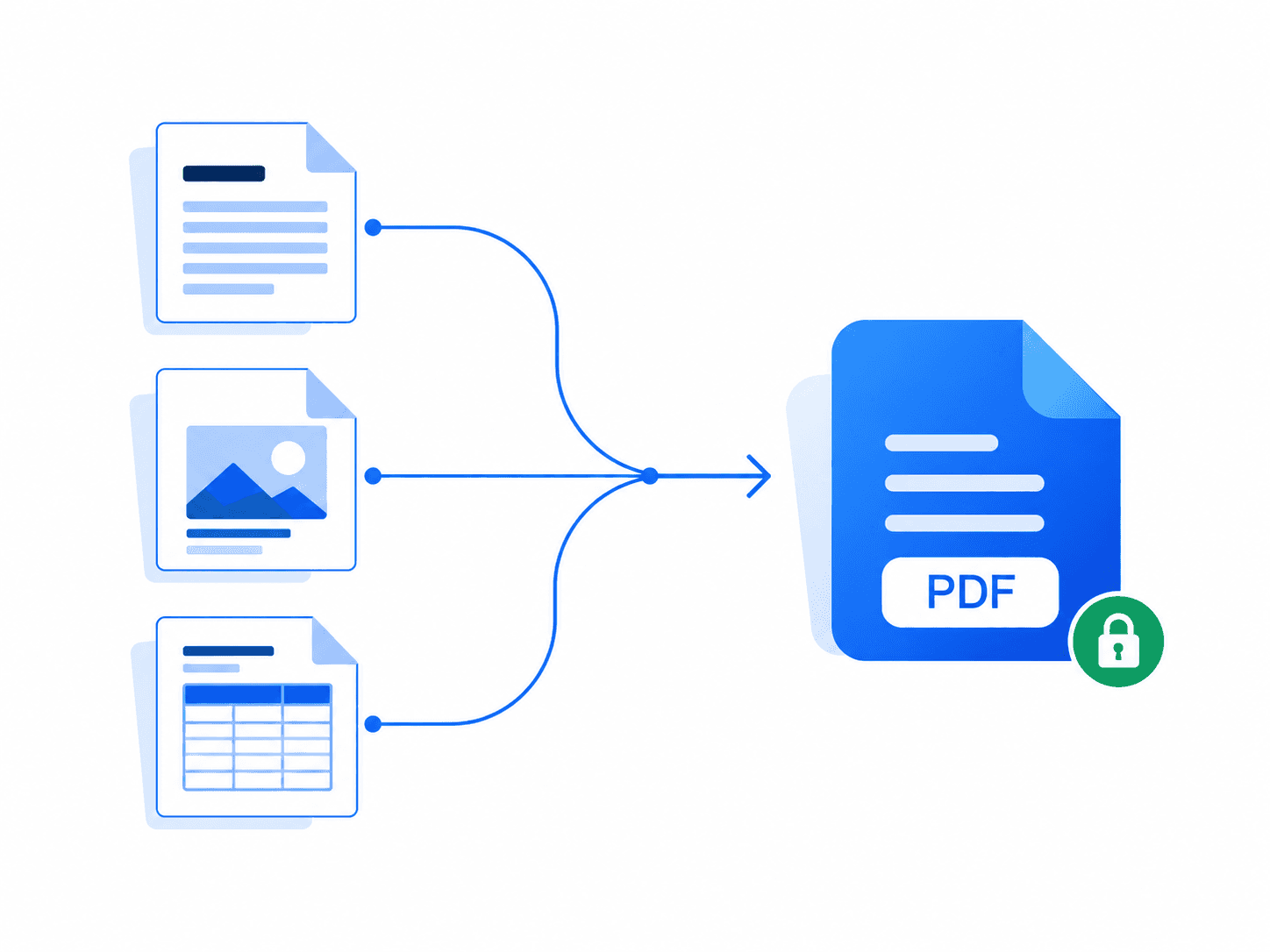
Combine multiple PDFs into one document in your chosen order.
Reduce PDF file size while keeping pages clear and readable.
Remove annotation-based stamps and watermarks from a PDF.
Turn camera scans and document photos into one PDF.
Add a clean text note to every page of a PDF.
Convert an HTML file into a readable PDF document.
Combine multiple PDF pages onto each output page.
Combine JPG images into a single PDF document.
Combine PNG images into a single PDF document.
Save every PDF page as a separate file in a ZIP.
Remove a known password from an encrypted PDF.
Encrypt a PDF with a password on your device.
Rebuild a readable PDF structure and save a fresh copy.
Turn a plain text file into a polished, paginated PDF.
Convert DOCX document text into a clean PDF.
Turn PPTX slide text into a paginated PDF.
Convert HEIC or HEIF photos into a PDF.
Format XML source as a readable PDF document.
Format JSON data as a readable PDF document.
Render PDF pages as high-quality PNG images.
Export each PDF page as a compact JPG image.
Export each PDF page as a sharp PNG image.
Render each PDF page as an uncompressed BMP image.
Export each PDF page as a TIFF image.
Rotate every PDF page clockwise by 90 degrees.
Reverse or reorder PDF pages with a page sequence.
Create an archival-friendly PDF copy with normalized metadata.
Add your typed signature to the final page of a PDF.
Add a visible signature request area before sharing a PDF yourself.
Add a custom diagonal watermark to every PDF page.
Recognize text in scanned PDF pages and export it.
Add clear page numbers to the bottom of every page.
Trim the outer margins from every PDF page.
Extract PDF text into an editable DOCX document.
Extract readable text from every PDF page.
Extract PDF text into a structured Markdown file.
Turn PDF pages into full-slide images in a PPTX presentation.
Extract PDF page text into an XLSX workbook.
Convert HEIC or HEIF photos to widely supported JPG files.
Convert spreadsheet sheets and cells into a readable PDF.
Real document workflows
Many PDF jobs need more than one click. These short paths explain the order of operations and the check that matters before a finished file is used.
Merge the main document and attachments, correct page rotation, then add page numbers only after the sequence is final.
Compress an image-heavy delivery copy, then inspect fine print, signatures and barcodes before sharing it.
Run English OCR on clear, upright pages, then compare names, dates and numbers with the original image before reuse.
Apply an opening password locally, test the protected file, and send the password through a separate trusted channel.
Work on your documents right in your browser. Your files stay on the device you choose.
How we handle your privacyYour browser does the document processing, keeping your files close.
Document contents are never uploaded to our servers.
Choose a tool and get straight to work. No account to create.
Download your result without added branding or watermarks.
One focused workflow
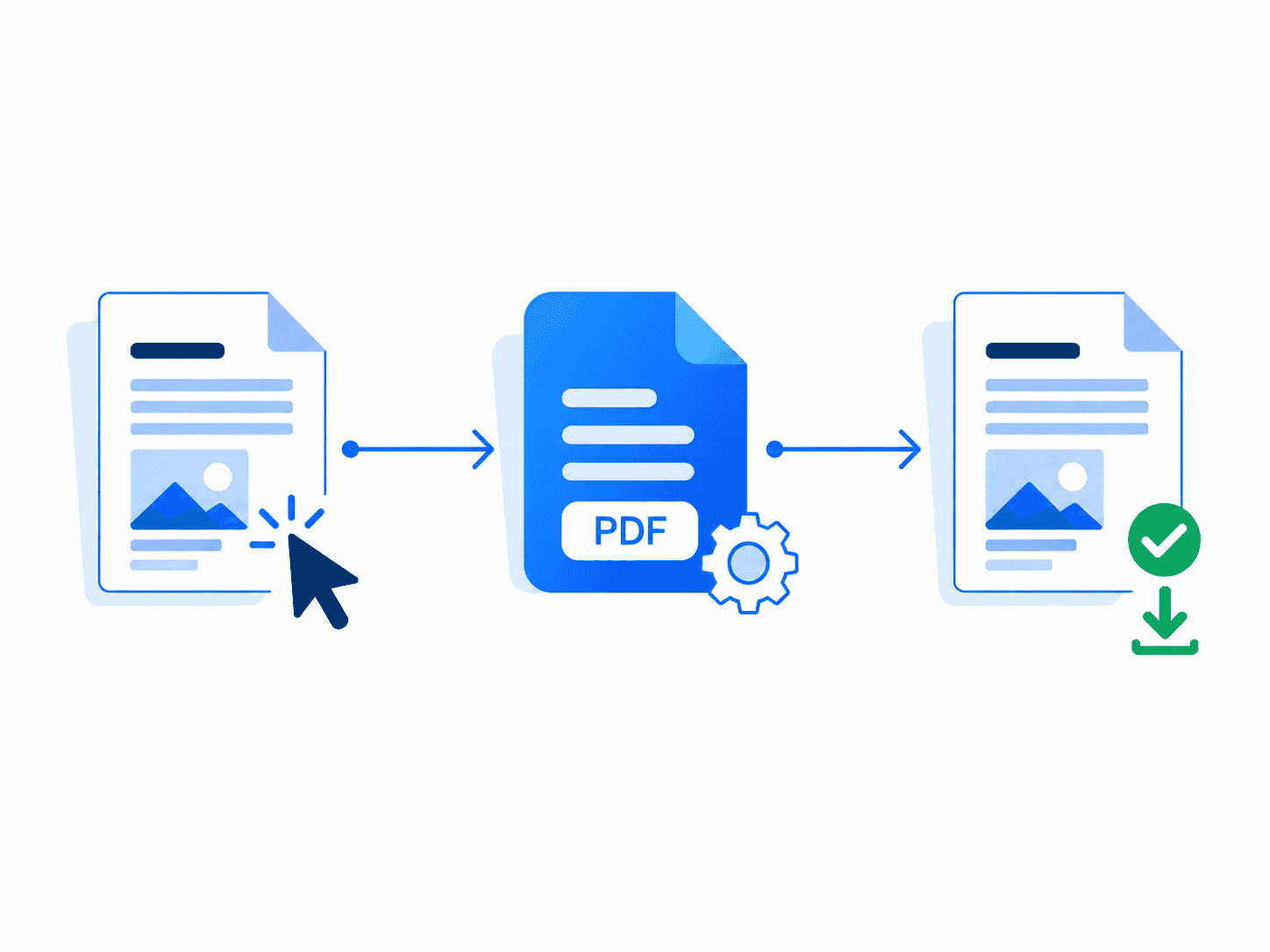
Every converter uses the same predictable flow, so you never have to relearn the interface.
01Choose a tool
Start with the exact document job you need.
02Add your files
Drop, browse, and arrange files when order matters.
03Download the result
Your finished file is returned directly to you.
Cross-device compatible
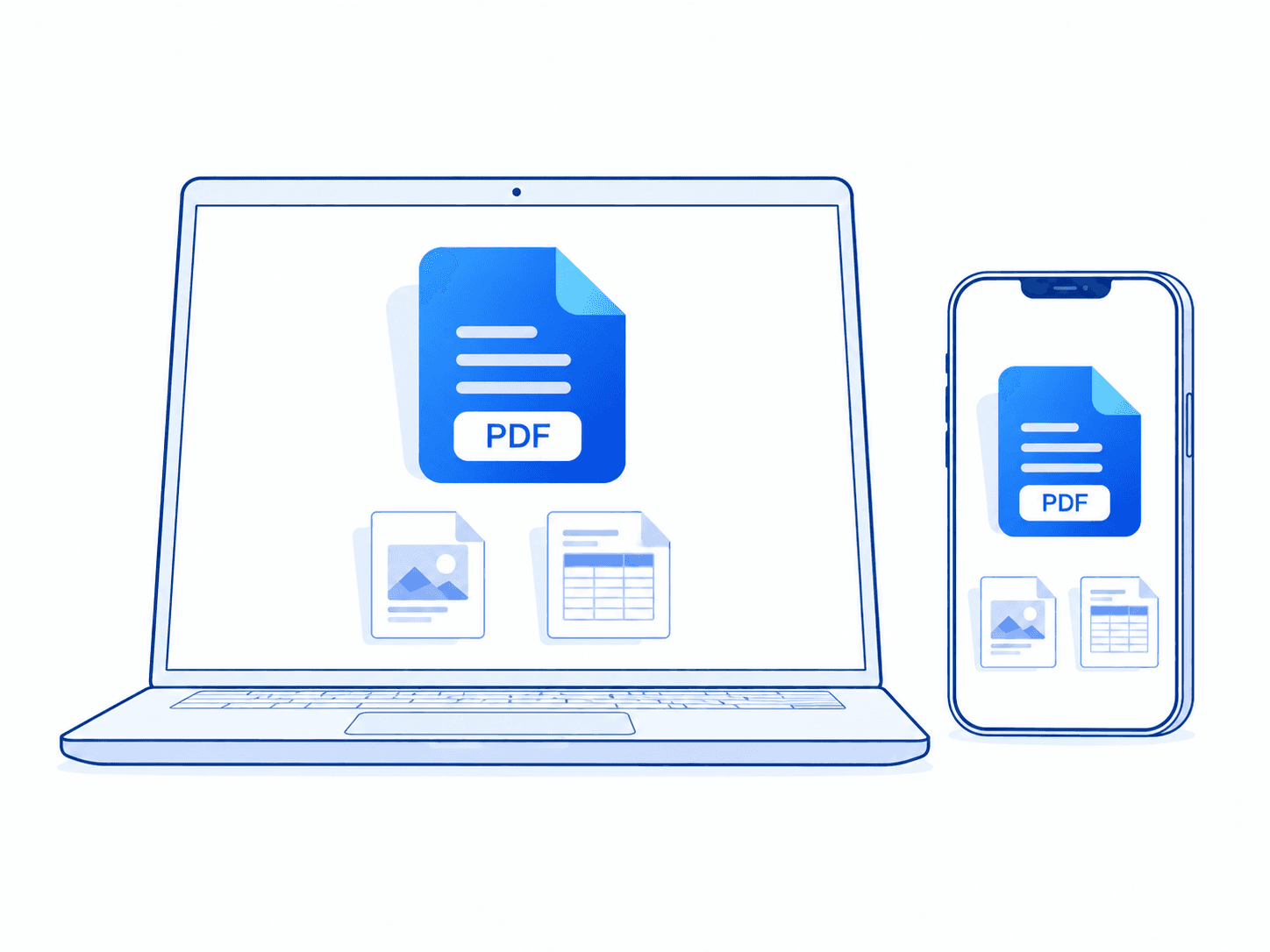
The workspace adapts to laptops, tablets, and phones. There is nothing to download or update.
Chrome, Safari, Firefox, and Edge
A clear workspace at every size
Upload from your phone or tablet
Open a tool and start immediately
Document knowledge
Understand quality, privacy and format tradeoffs before processing an important document.
6 min read
A practical guide to reducing image-heavy PDF files while keeping text, scans and diagrams clear enough to use.
Read guide5 min read
JPG is usually smaller; PNG is usually sharper. The right choice depends on what is actually on the PDF page.
Read guide7 min read
A scan may look like text while containing only pixels. OCR analyzes those pixels and produces characters you can search and copy.
Read guideWhy PDF Creator
We focus on the document tasks people repeat most often, with clear limits and a consistent interface.
No account creation
No software installation
No watermarks
Clear file limits
No document uploads
Consistent tool workflow